
Searching Douglas County Civil Dockets
Minnesota Court Records Online goes by MCRO. It is the remote front door for a Douglas County civil docket search. Under Name search, pick Person or Business. Set Court Location to Douglas. Case Search lets you filter by Civil or Family. Probate and Mental Health sit in their own categories. A filed-date range helps when a name is common. A complaint or court paper may already show a file number. Search by Case Number instead; it beats a broad name hunt.
One hit is just a lead. MCRO can return up to 200 results, sorted Newest First. Check the court location, case type, filed date, case number, and party role. Then open View Case Details. There you find the Register of Actions, hearing history, documents, disposition, and judgment or financial data. A remote result is not a certified record.
- Open MCRO Case Search and select Name or Case Number based on the information available.
- Choose Douglas as Court Location and select Civil or Family when that category is known.
- Add a filed-date range or first-name detail when the initial result list is broad.
- Open Case Details and read the parties, title, events, hearings, orders, and recorded result together.
- Use Douglas County Court Administration for copies, certification, or a procedural question that a remote display cannot answer.
Douglas Civil Docket MCRO Filters
Filters do real work in Douglas County. The same District Court system holds several categories, and access rules differ among them. Civil and Family are separate MCRO choices, and probate and mental-health cases are distinct too. A family matter may fail to appear, or a document may not open. A remote-access limit may be the reason. Set the county to Douglas before concluding that a similarly named case sits elsewhere.
| MCRO field | Douglas civil use | What to check |
|---|---|---|
| Name | Search a person or business | Use last name first and compare party role. |
| Court Location | Limit to Douglas | Do not rely on a statewide name list alone. |
| Case Category | Choose Civil or Family | Probate and Mental Health are separate choices. |
| Date Filed | Narrow a result set | Use a range when an exact date is unknown. |
| Case Number | Find a known file | Do not insert spaces; MCRO generally permits omitted dashes or leading zeroes. |
Note: When a court paper names the file, search the Douglas County civil docket by number. It is the most direct route.
Inside a Douglas County Civil Docket
Open a case in MCRO. Case Details lays out the whole picture: title and type, filing date, Douglas court location, judicial officer, status, parties, attorneys, related cases, events, hearings, documents, disposition, and judgment or financial data. The Register of Actions, or Case Events, gives the dated history. Entries might include a complaint or an answer. A motion, an affidavit, an order, a judgment, a garnishment, a satisfaction, or appeal activity can appear too. Where remote viewing is allowed, an event links to a Document Index Number.
| Case title and parties | Identifies the file and party roles; roles should be read rather than assumed. |
|---|---|
| Filed date and status | Shows when the court case opened and an administrative status, not necessarily the underlying event or outcome. |
| Case events | The chronological Register of Actions, including filings, orders, settings, and other recorded activity. |
| Hearings and documents | Lists settings and, where permitted, links to remotely available documents. |
| Judgment information | Can show the recorded judgment and related financial details or satisfaction information. |
Read docket labels as court fields, not verdicts. "Open" only means the file is still administratively active. By itself it says nothing about whether a judgment was paid or who prevailed.
Douglas Civil Docket Judgment Status
MCRO Judgment Search answers a narrower question than Case Search. It searches person or business name, docketed date, judgment status, and court location. Status choices run All, Active, and Inactive. You can limit a search to Douglas. But each result still needs to be tied back to the underlying case and its Judgment Details. A judgment search never replaces the full civil-case history. The official page shows how those filters are laid out.
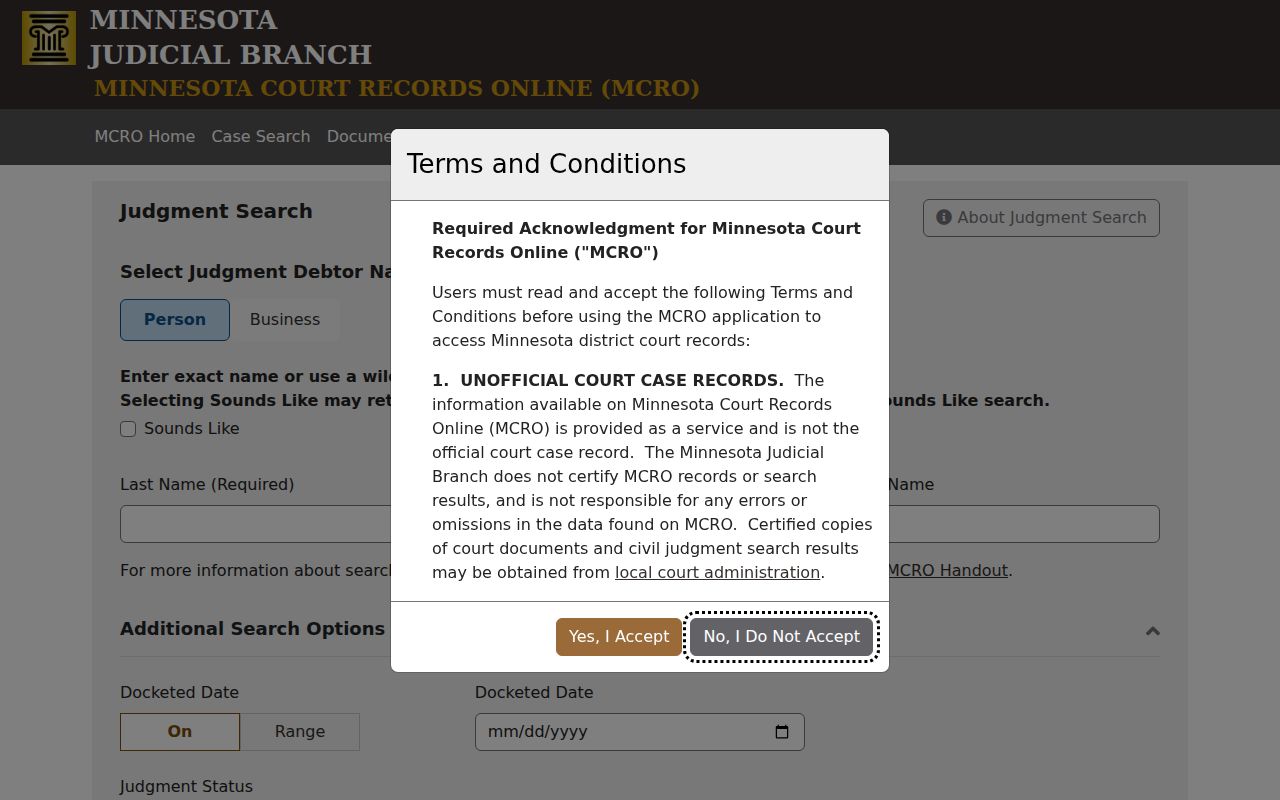
The Judgment Search page makes one thing plain for a Douglas County civil docket reader: a recorded judgment is not the whole record of filings and later events.
A satisfaction entry can matter as much as the original judgment. A dismissal, a stipulated settlement, a default judgment, and a trial judgment each carry different procedural meanings. The event history and Judgment Details supply the context. Treat a single status word as the start, never the finish.
Civil Case Types on the Docket
Douglas County District Court is Minnesota's court of general jurisdiction here at home. Civil and family matters share the system but fall under different categories and privacy limits. Probate, juvenile, criminal, traffic, and mental-health cases run through the same court. Conciliation Court handles lower-value civil claims as a District Court division. It is not a separate Douglas city court. It has no docket portal of its own.
- Civil matters with filings such as complaints, answers, motions, affidavits, orders, and judgments.
- Family matters, which use a separate MCRO category and may have narrower remote document access.
- Conciliation Court matters within the Douglas County District Court system.
- Probate and mental-health matters, which are separate categories with their own privacy limits.
- Judgment-related activity, including recorded judgments, garnishments, and satisfactions where shown.
A city address inside Douglas County changes nothing about routing. Use MCRO's Douglas location and Court Administration. Assume no separate municipal civil court, because none exists.
Douglas Civil Docket Conciliation Routing
Conciliation Court is a District Court division, full stop. A conciliation matter follows the same Douglas County civil docket routing. Search MCRO, open Case Details. Then call Court Administration for copies or procedure questions. No city portal handles these cases. That distinction matters. Sending a court-file request to a city office would only delay it, since cities do not keep the District Court Register of Actions.
The Judicial Branch also links Early Case Management and Early Neutral Evaluation material for Douglas. For ENE, contact an approved Rule 114 neutral directly. A neutral's contact details are not a docket source, though. Keep the private process step and the court case event separate.
Civil Docket Settings and Hearings
In a Douglas County civil case record, a setting shows up as a hearing entry. The local calendar is different. It lists courtroom hearings across the whole schedule. With MCRO Hearing Search, you can pull up an appearance by person or business name, case number, judicial officer, or attorney, then narrow it with filters for hearing date, category, and the Douglas location. That search helps you spot a court date on the docket. It stops short of the full Register of Actions.
There is also a Douglas weekly calendar PDF. The clerk posts it on business days at 7:00 a.m. and refreshes it hourly. Printed copies at the courthouse are marked as the current daily version. Keep in mind that cases get continued, reassigned, added, or moved on short notice. If a Douglas County civil docket setting you expect is missing, check the notice or order in the case. Confirm with Court Administration.
Douglas Civil Docket Document Search
Once you have a case number, MCRO Document Search is the tool for pulling documents remotely. It works best after Case Details. That screen gives you a document index or the exact file number. Not everything is online, though. MCRO offers many documents filed on or after July 1, 2015 in qualifying civil and criminal categories. Family and post-adjudication paternity cases have a much narrower remote collection.
Need an official or certified judgment? That request goes to Douglas County Court Administration. The statewide copy-request overview lays out the differences among uncertified, certified, and exemplified copies. A printout from home is fine for reading a public filing. It is not a certified court copy.
Civil Docket Access Rules
Access to Douglas County court records follows the Minnesota Rules of Public Access to Records of the Judicial Branch. That rule set decides what the clerk can release and to whom. Most civil court records are open. The scope depends on where you look. MCRO remote access is narrower than the Minnesota Public Access terminals inside the courthouse. A case may show in a docket search. It may still hold filings you cannot open from home. Protected case types carry their own limits. So do sealed records and sensitive fields, all under the rules.
Douglas County civil-record limits.
Minnesota Statutes section 13.90 recognizes Supreme Court rules as the governing access framework for Judicial Branch records.
Rule 8, subdivision 2 limits categories of remote access, which is why a Douglas record can have different remote and courthouse availability.
For confidential or sealed non-adoption records, use the Judicial Branch’s CON100 and CON101 process instead of an ordinary copy request.
Douglas Civil Docket Federal Split
Federal cases live in a different system entirely. A federal civil case will never show up in MCRO. It is not a Douglas County District Court matter. The U.S. District Court's Fergus Falls courthouse page describes the closest federal courthouse. It serves Douglas-area litigants. There, the public reads cases through PACER, and authorized filers submit documents through CM/ECF.
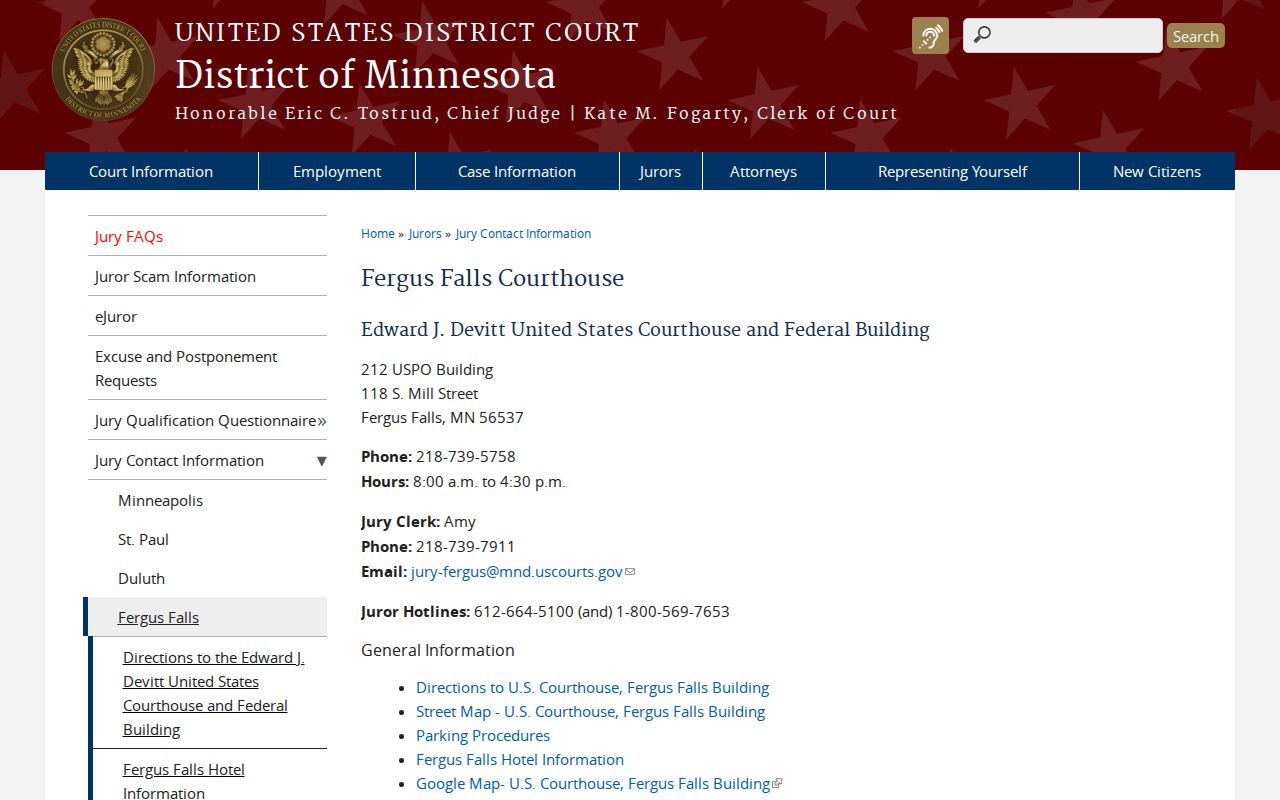
Keep the two searches separate from the start. A Douglas County civil docket search runs through state court systems, while a federal civil search runs through its own courts and tools. The District of Minnesota PACER access page lays out the federal public-access route. File numbers, court fees, and document restrictions differ between the two systems. Never mix them when you track a case.
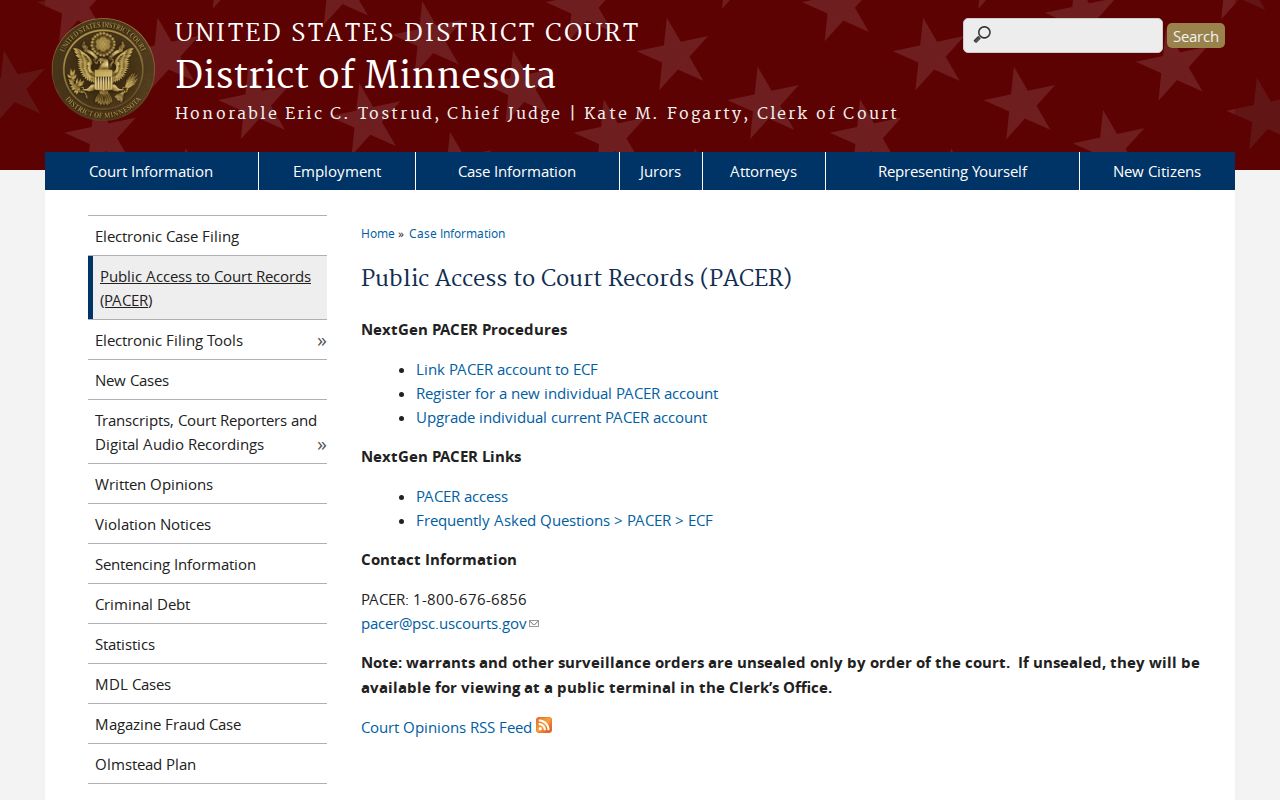
PACER covers federal civil dockets only. It does not replace Douglas County District Court Case Details for cases filed in state court.