
How to Search Cases by Name
For a name search, the remote starting point is Minnesota Court Records Online Case Search. It is known as MCRO. Choose Name. Pick Person or Business, and enter a last name first. A first or middle name trims a long result list. Set Court Locations to Douglas. Then add a case category or filed-date range if you know one. Before opening anything, compare the location, case category, filing date, party role, and case number. A name alone can pull up unrelated people, aliases, and older Douglas County matters. The match matters more than the hit.
- Open MCRO and choose Name. Pick Person or Business for the Douglas County search.
- Enter the surname, then add a first or middle name only when the Douglas County result needs narrowing.
- Select Douglas under Court Locations. Add Civil, Criminal, Family, Probate, or Mental Health and a filed-date range if known.
- Review the result criteria, then use View Case Details on the Douglas County case that matches the available facts.
The live search offers two different name helpers. A trailing wildcard works after at least two characters. Sounds Like is a separate alternative, not a filter you stack on top. Knowing that difference keeps a Douglas County search from sprawling. Attorney mode takes an attorney name or bar number. It helps when a party name is common.
| Field Label | Type | Required | Douglas County Use |
|---|---|---|---|
| Last name / business | Text | Yes for name mode | Start with the known party or business. |
| First or middle name | Text | No | Use to narrow matching Douglas County names. |
| Court Locations | Selector | No | Choose Douglas rather than leaving the search statewide. |
| Case Category / Date Filed | Selector and date | No | Use the known category and a range to reduce results. |
Douglas County MCRO Search Modes
MCRO gives a Douglas County court docket more than one entry point. Use Name search when the number is unknown. Case Number demands the full number. For a traffic citation, Citation Number works whether or not a court case has appeared yet. Attorney search takes a name or bar number. Beyond those, separate Document Search, Hearing Search, and Judgment Search pages exist. Each mode answers a different question. A blank result in one mode settles nothing. Another mode may still show more for a Douglas County case.
The official Case Search form displays the available modes and local filters. 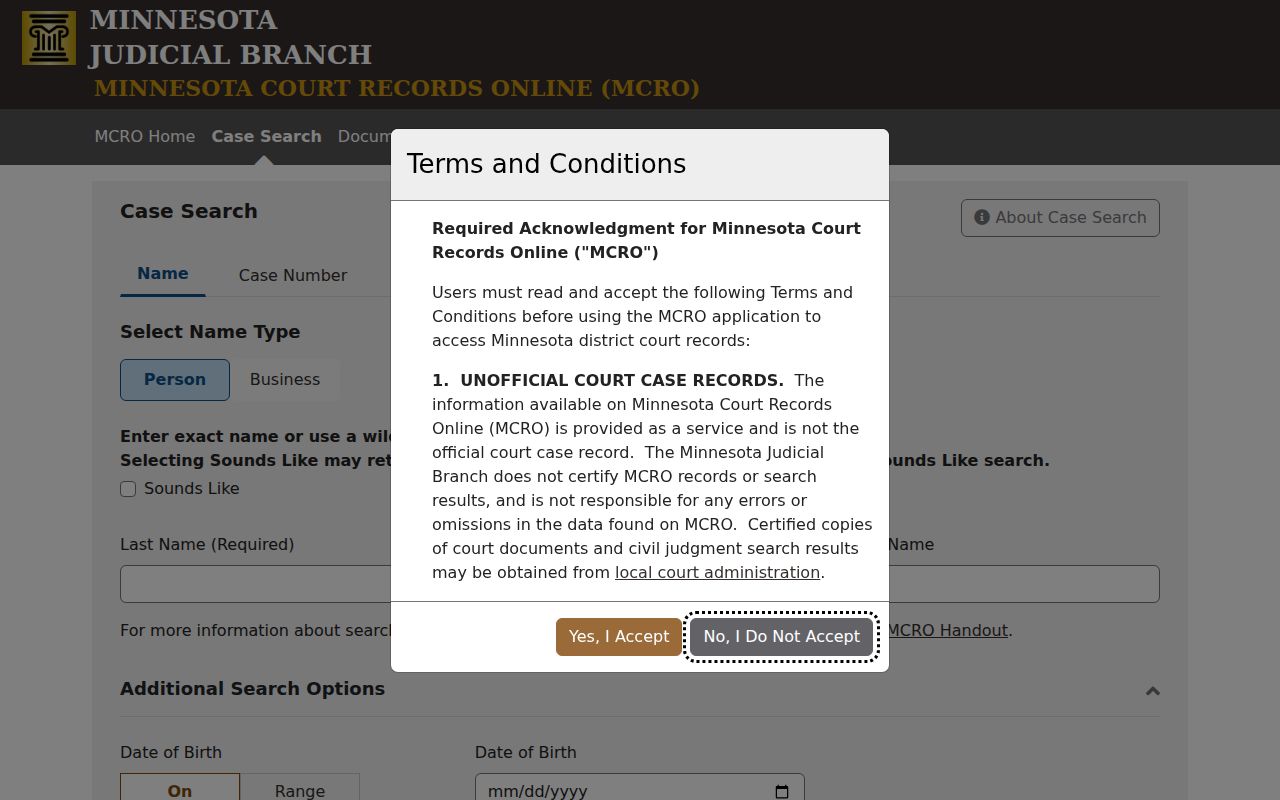 The form is the statewide interface, but choosing Douglas County makes the resulting court-location filter specific to the local District Court file.
MCRO Hearing Search answers a hearing question with a name, case number, judicial officer, or attorney plus a Douglas location. Treat a hearing result as a setting tool. It is not the full Register of Actions. For recorded money judgments, Judgment Search works from name, docketed date, judgment status, and location. It never replaces the underlying Douglas County case detail. Pick the mode that matches the paper or notice in hand, then confirm the returned Douglas County file before relying on it.
How to Search by Case Number
The most focused Douglas County search runs on a complete case number. Check notices, orders, summonses, and past correspondence for it. MCRO generally forgives missing dashes and leading zeroes, but never insert spaces. Feed it an incomplete number and you get an error, not a broad list. A later MNCIS court case number may combine a county code, case-type letters, year, and sequence. Yet the official guidance is to copy the number from the document rather than rebuild it. Traffic papers sometimes show a preprinted citation number instead. Enter that whole number in Citation Number mode.
Sometimes the goal is a remote document. Then MCRO Document Search pairs with the Douglas County case number. Name fields play no part there. That makes it handy after the right local file is already identified. A safe pattern is the complete number exactly as printed. Keep the number, court location, and case type together as a set. The number identifies the file. It says nothing about the outcome, and it does not make every document available remotely.
Douglas County Case Search Filters
Filters work best on Douglas County search results in a deliberate order. Court Location is the local one. Case Category splits results into Civil, Criminal, Family, Probate, and Mental Health. Date Filed can be an exact date or a range. Attorney mode supports similar refinements. Common names may need several filters at once. This is especially true when a Douglas County party has moved, used an alias, or carries cases from different years.
The official Document Search screen accepts a case number and then looks for remotely available documents. 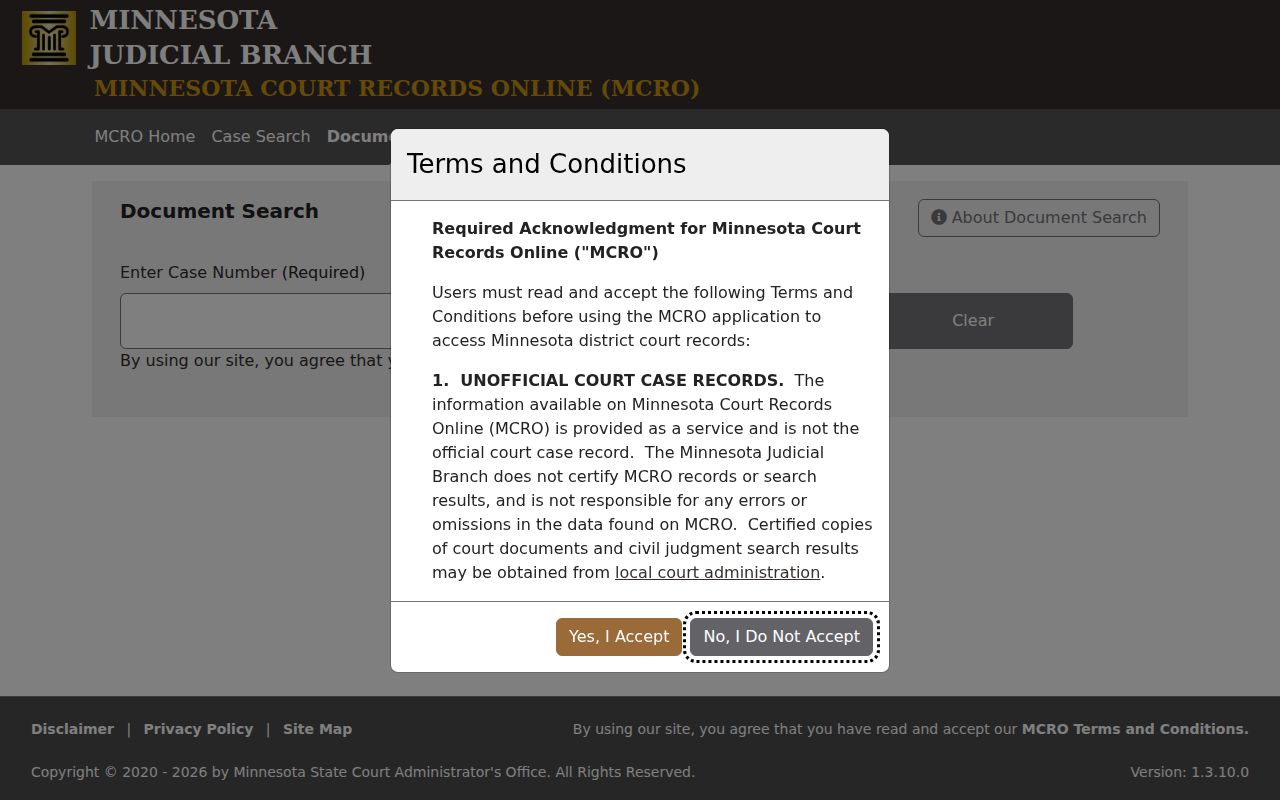 That narrower screen is useful after a Douglas County Case Details result supplies the right file number and its Document Index Number.
No result? Strip the punctuation. Recheck the Douglas location, try the exact case or citation number, switch to Business mode, and swap an exact date for a range. Some files stay hidden for other reasons: confidential case types, a sealed record, a spelling issue, or the pending criminal and traffic name-search rule. When a search stalls, Douglas County Court Administration at (320) 304-6050 is the local escalation point. Call that office next.
What a Case Search Shows
Open a Douglas County result. Case Details lays out the court file as an overview with related sections. The Register of Actions, also called Case Events, records filings and activity in order. Look for an event description, a Document Index Number, and a document-view control. That control appears where remote access is allowed. Remember that a search result is not a certified court record. Some categories keep remote fields deliberately incomplete.
| Case Number | Identifies the Douglas County court file and links the search result to later documents. |
|---|---|
| Case Type and Filed Date | Show the category and when the complaint or petition was entered, not necessarily the underlying event date. |
| Court Location / Judicial Officer | Identify the Douglas County venue and assigned officer; assignments can change. |
| Case Events and Hearings | Show dated activity and scheduled proceedings. Not every event is a hearing. |
| Disposition and Financial Information | Show recorded resolution and listed fines, fees, payments, credits, or balances where applicable. |
Names alone tell you little. A person listed in a Douglas County docket entry might be a plaintiff, defendant, petitioner, respondent, guardian, creditor, or something else entirely, so the party role label matters more than the name itself. A status flag like open or closed is just bookkeeping; it says nothing about what actually happened in the case.
Douglas County Result Limits
MCRO caps a single search at 200 results, according to the official results handout. The display defaults to Newest First. You can switch to Oldest First, print the list, or open View Case Details. That cap means the first screen is never the whole story. A broad Douglas County docket query can pull hundreds of matches. Narrow things down before concluding anything: add the Douglas court location, a case category, a filed-date range, or a first name.
Read the result criteria summary before opening any Douglas County record. It shows exactly which filters shaped the search. Chronology matters? Use Oldest First. Then return to the detail view and read the actual Case Events. A printed results list only captures what the interface returned in that moment. It never replaces an official copy from the court.
Note: A narrowed Douglas County query beats scanning a broad list. A broad list quits at the interface's result limit.
County vs Statewide Case Search
Douglas County offers no separate county-only public docket database. The statewide public layer is MCRO. Its Court Locations filter produces the Douglas County view, so one official portal handles both a broad Minnesota search and a focused Douglas County case lookup. When MCRO is not enough, local channels fill the gap: Court Administration, MNPAC courthouse terminals, and the county calendar.
| Statewide MCRO | Douglas-Filtered MCRO |
|---|---|
| Searches participating Minnesota court locations. | Uses the Douglas Court Location filter for the local District Court file. |
| Useful when the county is unknown. | Useful when a Douglas County matter is expected. |
| Provides remote public Case Details and related search tools. | Provides the same remote interface, narrowed to Douglas County. |
| Does not replace an official certified record. | Does not replace Court Administration or MNPAC access. |
Facing a scheduled Douglas County appearance? Run the MCRO Hearing Search, cross-check the official county calendar, and confirm any conflict with Court Administration. For a file copy, the focused search gives you the number a Douglas County court record request needs.
Douglas County Case Details Documents
Case Details and Document Search occupy different spots in a Douglas County workflow. Case Details identifies the case. It shows party roles, events, hearings, and index information. Document Search comes later. Use it once the file number is known. MCRO displays many qualifying documents filed on or after July 1, 2015. Coverage spans major and minor criminal, civil, probate, guardianship, conservatorship, and trust categories. Family and post-adjudication paternity matters get a narrower remote set.
Electronic filing is a separate court process. Minnesota eFile and eServe is used to file and serve documents, while MCRO is the public viewer.  A filing receipt or eFS notice is not a ruling and should not be treated as the Douglas County Register of Actions.
Want more than the remote view offers? Public courthouse terminals, called MNPAC, can reach broader documents in some categories than the online display. The local court pages never name the terminal room, so call Douglas County Court Administration before making a terminal-specific trip. Confidential and sealed material stays off-limits either way.
Douglas County Attorney Case Search
Attorney mode earns its keep in a Douglas County case search when you know the lawyer, or when a common party name buries the right match in noise. MCRO takes an attorney name or a bar number, and it allows refinements by date, category, status, and location. A full bar number beats a common surname every time. Select the court location as with the other modes. Then compare case type, party role, and date before opening Case Details.
One caution applies. An attorney search finds cases tied to the lawyer you entered, but it cannot confirm the representation is current, since counsel can change mid-matter in Douglas County. The case-detail page supplies that context. Its party information, events, hearings, documents where available, and recorded disposition fill in the picture. Already holding a case number? That remains the most direct route to the file.
Restricted Cases and Access Rules
A Douglas County court record is governed by Minnesota's Rules of Public Access to Records of the Judicial Branch. Many court records are public. Remote access runs narrower than courthouse access, though. Domestic-abuse and harassment matters, CHIPS cases, specified juvenile delinquency matters, civil-commitment documents, adoption files, and other protected categories stay out of ordinary remote document search. Street addresses and other sensitive fields can be withheld too.
A missing Douglas County result proves nothing. The cause might be a sealed file, a restricted category, old digitization limits, an alias, or a wrong county filter. It might also be a pending criminal, traffic, or petty-misdemeanor matter without a conviction. Say "not displayed remotely" instead of drawing conclusions from an absent record.
For non-adoption confidential or sealed material, the Judicial Branch publishes CON100 and CON101 access instructions. The request asks for the county, case, records sought, your interest, your reason, and contact information. A judicial officer decides it. Adoption access runs through a separate ADO601 process. Court Administration can explain the filing channel. But it cannot release a restricted Douglas County document through an ordinary copy request.
Note: Keep two things together. Pair the exact Douglas County case number with the precise record request when asking about remote access or an official copy.